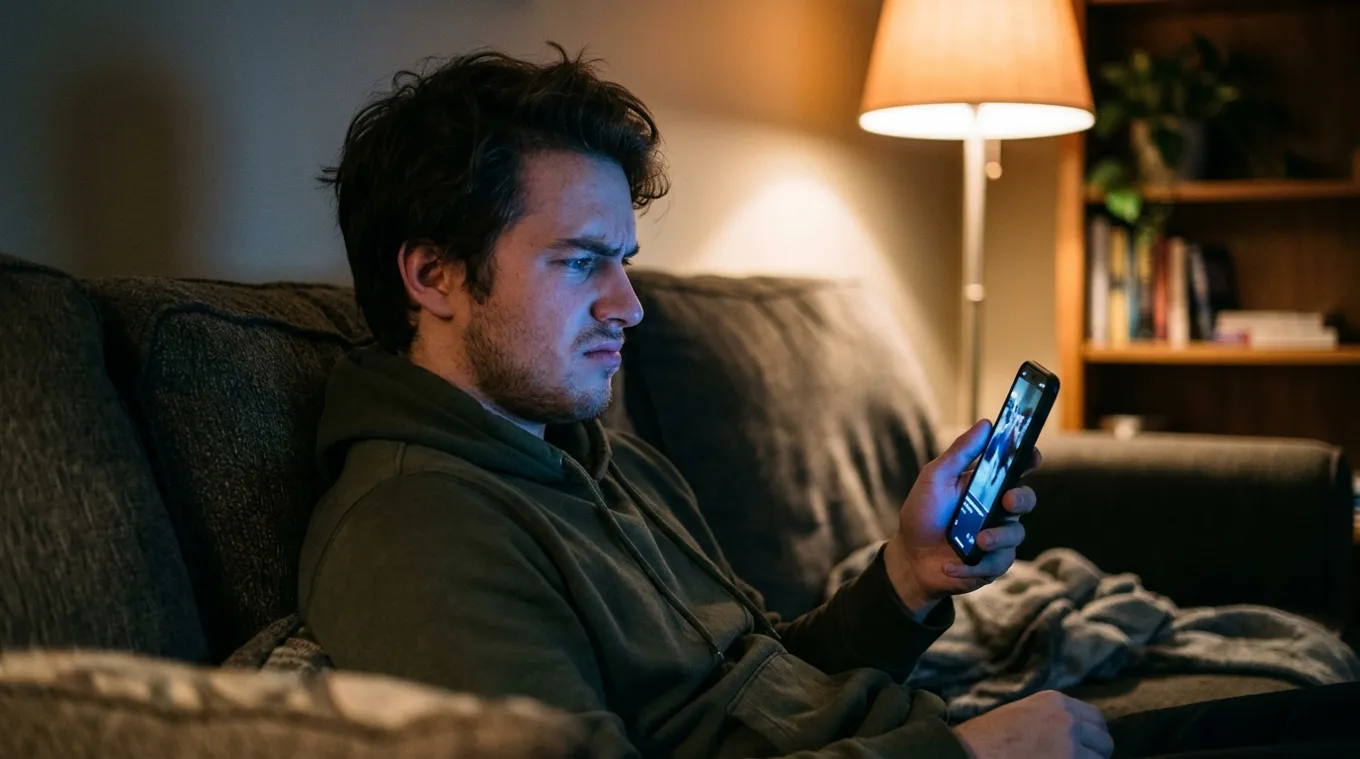
Is this video AI? Upload a clip and find out whether it was made by a text-to-video model like Sora, Runway, Pika or Kling, or filmed by a real camera.
An AI video detector is a tool that analyzes a video to judge whether it was generated by AI. This one scores the clip frame by frame, averages the frames into one AI score from 0 to 100, and gives a verdict: Human, Likely Human, Likely AI or AI Generated.
Upload a clip, and the detector scores it frame by frame, then turns those frame scores into one clear verdict.
Drop in an MP4, MOV or WebM file: a clip from social media, a forwarded video, a screen recording of a call. Free accounts check clips up to 2 minutes; paid plans go up to 10 minutes.
Frames are sampled from the clip and each one gets its own AI score. Short clips come back in moments. Longer or larger files are processed in the background, and the result appears in your dashboard when it is ready.
You get an AI score from 0 to 100, the average across frames, and a verdict in four bands. The highest single frame score is kept with the result, so a short synthetic stretch is not lost in the average.
No meaningful signs of AI generation across the frames.
Mostly camera-like frames, with a few worth a second look.
More frames look generated than real. Check the source and look for the original upload.
Strong signs across the clip that it came from a text-to-video model.
AI video rarely looks wrong in every frame. It slips in some of them.

The detector scores sampled frames one at a time, then reports the average as the AI score and keeps the highest frame score with the result.
That matters because generated video is uneven. A clip can open on convincing frames and fall apart on a head turn, a hand or a busy background. Scoring frames separately means those moments count, instead of one quick look at the whole file.
The detector is built for fully AI-generated video, the clips text-to-video models produce from a prompt or a single image.
Results are probabilities, not proof. Heavy compression, tiny resolutions, crops and screen recordings remove detail the model reads, so check the original upload when you can. Comparing tools? See the best AI video detectors. Checking a single frame or a thumbnail? Use the AI image detector. Suspicious audio? Try the AI voice detector.
Use these alongside the detector. One sign proves nothing; several together are worth acting on.
Blinks that are too rare, too regular or never fully close, and eyes that drift instead of focusing.
Lips slightly out of sync with the sound, teeth that blur into one block, a jaw that shimmers when the head moves.
Extra or merging fingers, rings and glasses that change shape between frames, objects that pass through each other.
Straight lines that bend, signs with melting text, people in the background who appear, vanish or walk oddly.
Shadows that point the wrong way, reflections that do not match, water, hair and cloth that move too smoothly.
A new account, no original upload anywhere, a clip that is suspiciously short, or a caption pushing you to share fast.
The full walkthrough is in how to tell if a video is AI generated.
A viral clip, a forwarded video from family, a "breaking news" post, an ad with a famous face. If it would change what you do or share, check it first.

Viral clips and news. Generated footage of events that never happened spreads fastest in the first hours. A quick check before you repost keeps you out of it.
Scam ads and fake endorsements. AI videos of celebrities and executives promoting investments and giveaways are a common lure. Read our guides to deepfake investment scams and celebrity deepfakes.
Work and verification. Newsrooms, trust and safety teams and fraud teams check video before it is published, approved or acted on. See newsroom verification and trust and safety.
Yes. A free account checks video, images and voice, with no card. Paid plans add volume and longer clips.
Building a product? The deepfake detection API covers image and voice today. For video at volume, talk to sales.
An AI video detector analyzes a video and estimates whether it was generated by AI, for example by a text-to-video model such as Sora, Runway, Pika or Kling. DeepfakeDetector.ai scores the clip frame by frame and returns an AI score from 0 to 100 with a verdict: Human, Likely Human, Likely AI or AI Generated.
Yes. A free DeepfakeDetector.ai account includes 50 checks a month across video, image and voice, with video clips up to 2 minutes. No card is required. Paid plans raise the limit to 10-minute clips and more checks.
Combine your eyes with a detector. Look for odd blinking, lips out of sync, merging fingers, bending lines and too-smooth hair or water, then upload the original file for a frame-by-frame AI score. Our guide on how to tell if a video is AI generated covers every sign.
It is built for fully AI-generated video like the clips Sora, Runway, Pika and Kling produce. Every result is a probability with an AI score, not a guarantee, and heavy compression or screen recording can lower confidence.
Frames are sampled from the video and each one is scored for signs of AI generation. The AI score is the average across frames, and the highest single frame score is kept with the result, so a short synthetic stretch still shows up.
Upload MP4, MOV or WebM files. Free accounts check clips up to 2 minutes and paid plans up to 10 minutes. Short clips return quickly; longer or larger files are processed in the background and the result appears when ready.
Yes, as long as you upload the video file. Download or save the original clip rather than screen recording it, because a screen recording adds compression and loses detail the detector reads.
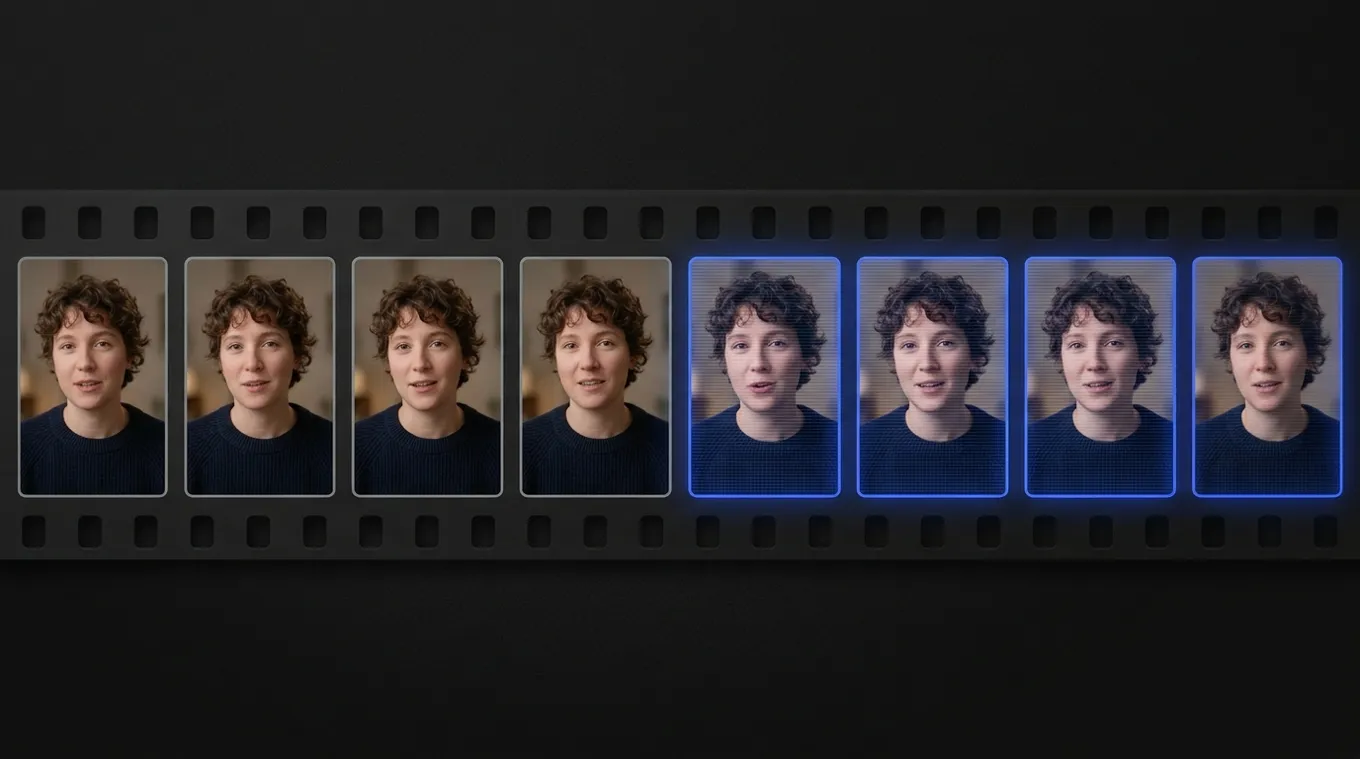
Upload a clip and get a verdict and an AI score, frame by frame.