Is This Person Real? How to Tell If a Profile Photo Is AI or Stolen
A friendly face in a dating app, a new LinkedIn connection, a stranger in your DMs. Before you trust them, take five minutes. These checks catch stolen photos, AI-generated faces and the scams built on both.
To tell if a person online is real, reverse image search their photo with Google Lens or TinEye to find stolen pictures, then run it through an AI image detector to catch generated faces, which have no original to find. Check the profile's age, friends and photo history, and ask for a live video call where they turn their head and pass a hand in front of their face. Any request for money is the strongest red flag of all.
- Reverse search first. Stolen photos of real people are still the most common fake.
- No match is not reassuring. AI-generated faces have no original, so run a detector next.
- Your eye is not enough: in a PNAS study people sorted real from AI faces at about chance.
- Insist on a live call with head turns and a hand passing in front of the face.
- Money, crypto or gift cards end the conversation, whatever the photos show.
- The 5-minute check
- Step 1: reverse image search the photo
- Step 2: check whether the face was made by AI
- Step 3: check the profile, not just the photo
- Step 4: ask for a live video call
- Step 5: the conversation red flags
- What to do if the person is fake
- Practice spotting AI faces
- FAQ
- Conclusion: trust the checks, not the face
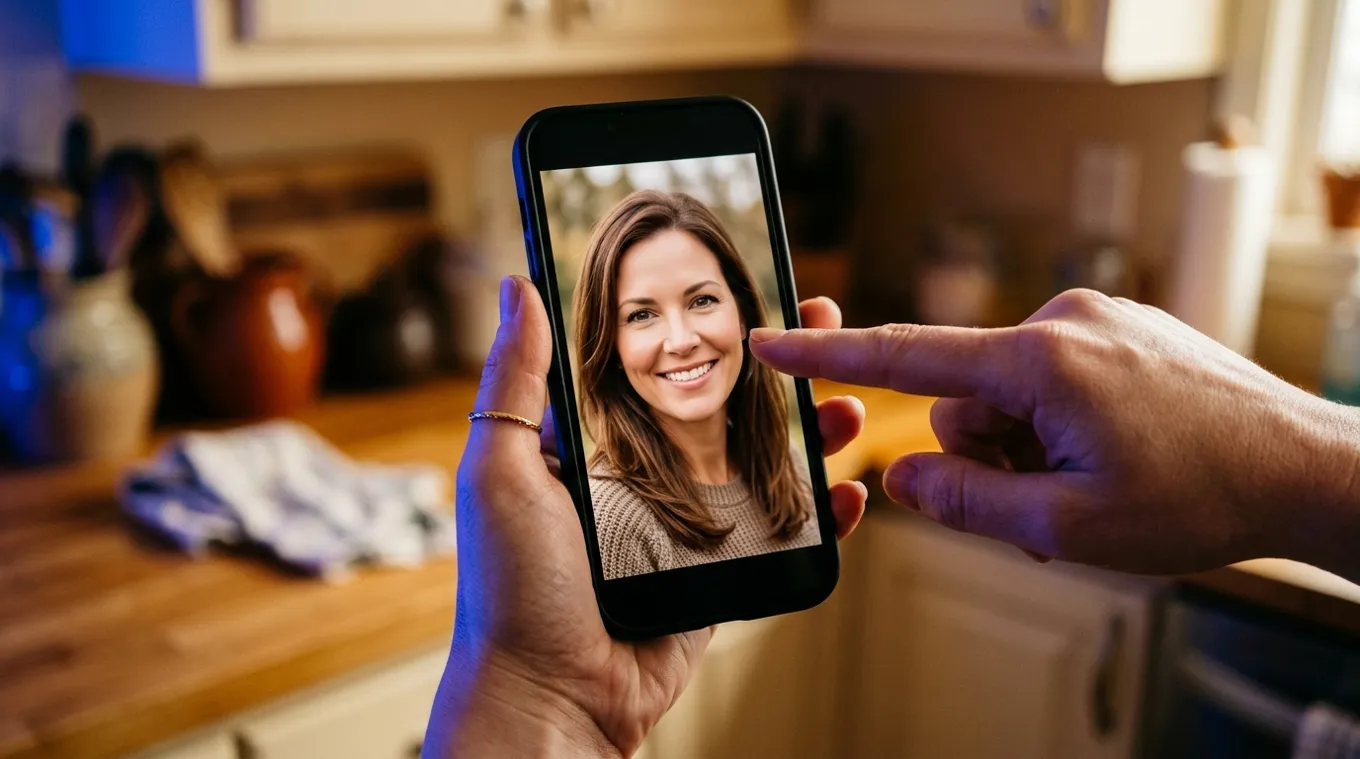
The 5-minute check
Most fake profiles fall apart under a few simple checks. Do them in this order, because the fast ones catch the most.
- Reverse image search the photo. If it belongs to someone else, you will usually find them in under a minute.
- Run the photo through an AI image detector. This catches faces that were generated and so have no owner to find.
- Look at the whole profile, not one picture. Account age, how many photos, whether friends and posts look real.
- Ask for a live video call. Then ask for a few simple movements, covered below.
- Watch the conversation. Money, crypto, gift cards or moving to another app quickly are the strongest signs of all.
Step 1: reverse image search the photo
Most fake profiles still use stolen photos of real people, often models, influencers or ordinary people with public accounts. A reverse image search shows where else the picture appears.
- Google Lens: long-press the photo on a phone or right-click it in Chrome and choose search with Google Lens.
- TinEye and Bing Visual Search often find different matches, so try more than one.
- Crop to the face and search again. Scammers flip, crop and filter stolen photos to dodge exact matches.
How to read it: the same face under a different name means a stolen identity. No matches at all is not reassuring on its own. A face that appears nowhere online is exactly what an AI-generated portrait looks like, which is the next check.
Step 2: check whether the face was made by AI
Generated faces are a real problem because people are bad at spotting them. In a 2022 study published in PNAS, 315 participants tried to sort real faces from faces made with StyleGAN2 and scored about 48%, close to a coin flip. They also rated the synthetic faces as slightly more trustworthy than the real ones (Nightingale and Farid, PNAS; Lancaster University). Today's generators are better than the ones in that study.
So do not rely on your eye alone. Upload the photo to the free AI image detector. You get a verdict and an AI score from the pixels, and if the file still carries metadata or C2PA Content Credentials, a source check that can name the tool that made it. Use the original image if you can get it; a screenshot of a profile loses its metadata and lowers confidence.
Then look for the tells that still slip through:
- Mismatched details: two different earrings, glasses whose arms do not match, a collar that changes from one side to the other.
- Hair and edges: strands that melt into the background, or an outline that looks painted.
- Backgrounds: blurred shapes that look like furniture but are not, warped lines, signs with garbled letters.
- Too perfect: flawless skin with no pores, studio lighting in a "casual selfie", every photo looking like a magazine shoot.
- Only one look: generated faces are hard to keep consistent, so fake profiles often have one or two photos, or photos where the face subtly changes.
For a deeper visual guide, read how to spot AI-generated faces and fake profile picture detection.
Step 3: check the profile, not just the photo
- Account age and history. A new account with a full, glossy life story is a warning sign.
- Friends and followers. Do the people interacting with them look real, and do they know each other?
- Photo spread. Real people have years of ordinary, badly lit photos with friends, pets and places. Fakes have a handful of perfect ones.
- Story consistency. Job, location and age that shift between messages, or a job that conveniently keeps them abroad: military, oil rig, overseas doctor.
Step 4: ask for a live video call
A real person can get on a video call. Repeated excuses about a broken camera, a bad connection or a strict employer are a strong signal on their own. Scammers also use real-time face-swap tools now, so when you do get a call, ask for movement that these tools often handle badly:
- Turn their head slowly to full profile, left and right.
- Wave a hand in front of their face, or touch their cheek or hair.
- Stand up and move closer to and further from the camera.
- Do something specific you ask for in the moment, such as holding up a named object.
Watch the edges of the face, the hairline and glasses during these moves. Flicker, blur or a face that slides out of place are the signs to look for. A recorded clip can be checked afterwards with the AI video detector, and a suspicious voice note with the AI voice detector.
Step 5: the conversation red flags
Whatever the photo shows, these patterns matter more than any visual tell:
- Moving fast to strong feelings, then to an emergency.
- Any request for money, gift cards, crypto, or help with a "guaranteed" investment.
- Pressure to leave the dating app or platform for WhatsApp, Telegram or text.
- Plans to meet that always fall through at the last minute.
Our guide to AI romance scams walks through how these play out.
What to do if the person is fake
- Stop sending money or personal details. Do not confront them with what you found; just stop.
- Save evidence: screenshots of the profile, chats and any payment details.
- Report the profile to the app or platform.
- In the US, report the scam to the FTC at reportfraud.ftc.gov and, if you lost money online, to the FBI at ic3.gov. Contact your bank straight away if you sent money.
Practice spotting AI faces
The fastest way to get better is to test yourself against real and generated images side by side. Try our Real or AI quiz, then compare your instinct with what the detector says.
FAQ
How can I tell if a person is real or AI?
Reverse image search their photo with Google Lens or TinEye, then run the photo through an AI image detector to catch generated faces. Check the profile's age, friends and photo history, and ask for a live video call where they turn their head and move a hand in front of their face.
Is there a free AI generated person checker?
Yes. The DeepfakeDetector.ai AI image detector is free with no signup for up to 10 checks a day. Upload the profile photo and you get a verdict, an AI score and, when the file still carries metadata or C2PA, the name of the tool that made it.
Can people tell AI faces from real faces?
Usually not. In a 2022 PNAS study, participants sorting real faces from StyleGAN2 faces scored about 48%, close to chance, and rated the synthetic faces as slightly more trustworthy. Use a detector and other checks rather than your eye alone.
What if a reverse image search finds nothing?
No match is not proof the person is real. Stolen photos usually turn up in a search, but AI-generated faces have no original to find. If the search is empty, run the photo through an AI image detector next.
Can a scammer fake a live video call?
Yes. Real-time face-swap tools exist, but they often struggle with full profile turns, hands passing in front of the face and close-ups. Ask for those movements and watch the hairline, edges and glasses for flicker or blur.
What should I do if I think a profile is fake?
Stop sending money or personal details, save screenshots, and report the profile to the platform. In the US you can also report to the FTC at reportfraud.ftc.gov and to the FBI at ic3.gov, and contact your bank at once if you sent money.
Conclusion: trust the checks, not the face
A face that looks real is no longer evidence that a person is real. Reverse search the photo, run it through a detector, look at the whole profile, and insist on a live call with movement. If money comes up, stop.
Check a profile photo now with the free AI image detector. No signup for up to 10 checks a day.