Fake Video Call Scams: How Deepfake Attacks Happen on Zoom and Teams
In January 2024, a finance employee at the engineering firm Arup joined a video call with the company's CFO and several colleagues, then wired out $25.6 million on their instructions. Every person on that call except the victim was a deepfake (CNN, 2024).
- The $25.6 Million Fake Video Call: The Arup Case
- How Deepfake Attacks Happen Over Zoom and Teams
- Who Gets Targeted by Fake Video Calls
- 7 Warning Signs of a Fake Video Call
- How to Verify Who You Are Really Talking To
- What to Do If You Suspect a Deepfake Video Call
- FAQ
- Conclusion: Treat Every High-Stakes Video Call as Unverified
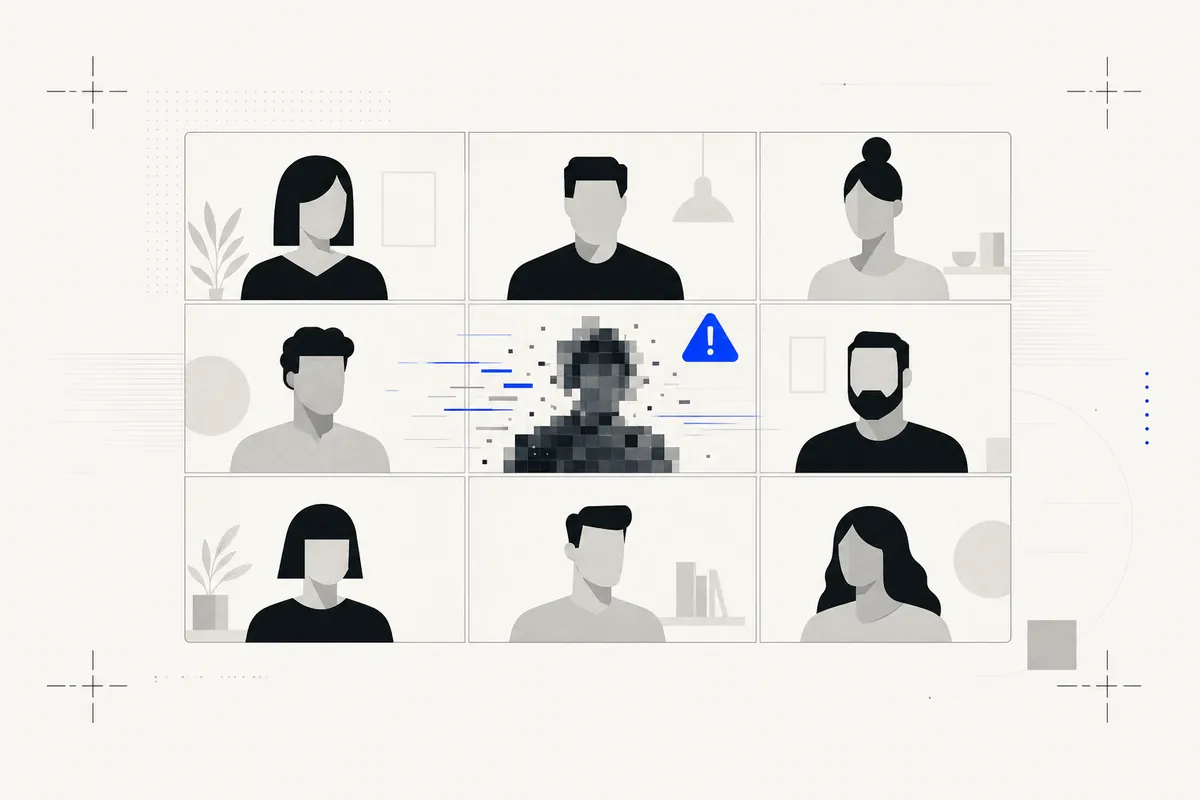
In January 2024, a finance employee at the engineering firm Arup joined a video call with the company's CFO and several colleagues, then wired out $25.6 million on their instructions. Every person on that call except the victim was a deepfake (CNN, 2024).
Direct answer: A fake video call scam uses real-time deepfake video and cloned audio to impersonate someone you trust, such as an executive or family member, during a live call. Attackers route AI-generated video through virtual cameras on Zoom, Teams, or WhatsApp to pressure victims into transfers or data handovers.
This guide explains how these attacks work, the warning signs, and a verification playbook you can use on any call, whether you handle payments at work or just got a strange call from a "relative".
The $25.6 Million Fake Video Call: The Arup Case
The Arup case is the defining fake video call scam, and the reported facts are worth knowing precisely.
According to Hong Kong police and CNN's reporting, an employee in Arup's Hong Kong office received a message about a confidential transaction, supposedly from the company's UK-based CFO. The employee was suspicious at first. It read like phishing.
Then came the video call. The CFO was there. Colleagues the employee recognized were there. Everyone looked and sounded right, so the doubts dissolved. Over the following days the employee made 15 transfers totaling about HK$200 million, roughly $25.6 million, before checking with head office revealed the fraud (CNN, 2024).
Three things made it work:
- Multiple fake participants. A whole room of familiar faces is far more persuasive than one.
- Authority. Instructions came from the CFO, the person you do not question.
- Urgency and secrecy. A confidential deal, time pressure, and a reason not to ask around.
No malware. No hacked systems. Just a deepfake video call and social engineering.
How Deepfake Attacks Happen Over Zoom and Teams
So how do deepfake attacks happen over Zoom, Teams, and other meeting apps? The anatomy is consistent across cases. What follows is conceptual; we deliberately do not name tools or describe configurations.
Step 1: Harvesting Source Footage from Public Videos
Attackers collect raw material: conference talks, earnings calls, LinkedIn videos, podcasts, social posts. A few minutes of clear footage and audio of the target is enough to train convincing face and voice models. Executives are ideal targets precisely because they are so visible.
Step 2: Real-Time Face and Voice Swapping
Modern real-time deepfake software can map a synthetic face onto the attacker's own head movements live, while voice conversion makes their speech come out in the target's voice. Quality varies, and real-time fakes still glitch under stress, which is what the verification tests below exploit.
Step 3: The Virtual Camera Trick
Meeting apps let users select a camera. Virtual camera software, a legitimate tool used by streamers everywhere, presents any video feed to Zoom or Teams as if it were a webcam. The attacker simply selects the deepfake feed as their camera. The meeting platform itself is not hacked, which is why a teams deepfake looks identical to a normal participant.
Step 4: Social Engineering Pressure During the Call
The deepfake gets the attacker in the door. Pressure closes the deal: urgency, confidentiality, authority, and a specific irreversible action like a wire transfer or a credential handover. In the Arup case, the call itself was reportedly brief, with instructions then moving to other channels. The video's job was only to manufacture trust.
Who Gets Targeted by Fake Video Calls
At work: finance and accounts-payable teams, executive assistants, HR staff handling payroll changes, and anyone with payment or credential authority. This is business email compromise upgraded with a face. The FBI has warned that criminals increasingly use generative AI, including AI video and audio, to make fraud schemes more convincing (FBI IC3, 2024).
At home: romance scams that "prove" identity on a quick video call, fake family emergency calls, and fake job interviews where the "recruiter" or even the applicant is synthetic. Consumers are targeted with shorter, lower-quality fakes because a worried parent does not study pixels.
The financial trajectory is steep: Deloitte's Center for Financial Services projects generative AI could push US fraud losses to $40 billion by 2027 (Deloitte, 2024).
7 Warning Signs of a Fake Video Call
How to tell if a video call is fake? Watch for these signs.
- Lip-sync lag. The voice and mouth drift out of alignment, especially after interruptions.
- Refusal to move naturally. The caller will not turn their head fully sideways or pass a hand in front of their face. Real-time deepfakes often break at profile angles and occlusions.
- Lighting that never changes. The face stays evenly lit even when the person "moves", because the lighting is baked into the model.
- Stalling on unexpected requests. Ask something off-script and you get delays, deflection, or a sudden "bad connection".
- Audio compression artifacts. A flat, slightly metallic voice quality, odd breathing, or missing background noise.
- Urgency and secrecy. Whatever is being asked must happen now and must not be discussed with anyone.
- Channel switching. The call is short, then instructions continue by chat or email where no face is needed.
No single sign is proof. Several together mean stop and verify.
- An unexpected urgent payment or transfer request
- A senior person you cannot reach through normal channels
- The caller resists a callback on a known number
- Stiff, low-resolution, or oddly lit video
- Lip-sync that drifts from the audio
- No natural small talk or reaction to interruptions
- Pressure to bypass normal approval steps
How to Verify Who You Are Really Talking To
The playbook. It costs you 60 seconds and zero embarrassment if the caller is real.
On the call:
- The profile test. Ask them to turn their head fully to the side. Many real-time face swaps smear or collapse at 90 degrees.
- The hand test. Ask them to wave a hand slowly across their face. Occlusion is still hard for live fakes.
- The shared-memory question. Ask something only the real person knows that is not searchable: not their job title, but what you both ate at last month's lunch.
After the call, before any action:
- Call back on a known number. Not a number from the meeting invite or chat. The number you already had.
- Out-of-band approval for payments. Any transfer request gets confirmed through a second, independent channel, every time, no matter who asked.
- Slow everything down. Urgency is the attack. A real CFO survives a 30-minute verification delay.
For companies: set a verification codeword for executives, require dual approval on transfers above a threshold, and rehearse this exact scenario with finance teams. Make these tests policy so employees never have to feel rude.
For families: agree on a code word for emergencies, and treat any urgent money request on a video or voice call as unverified until a callback. Cloned voices are the same scam in audio form; see our guide to voice cloning scams.
What to Do If You Suspect a Deepfake Video Call
- Do not transfer money or share credentials. Nothing legitimate is lost by pausing.
- Capture evidence. Record the call or take screenshots if your platform and local law allow it.
- End the call and verify out-of-band. Known number, separate channel.
- Report it. In the US, file with the FBI's IC3 at ic3.gov; companies should also alert their bank immediately, since rapid recall of wires is sometimes possible. Use your local cybercrime channel elsewhere.
- Analyze the recording. Run saved video or audio through our AI video detector. You get a verdict of Authentic, Likely Synthetic, or Inconclusive with a confidence score.
One honest scope note: live, in-call deepfake detection is still an emerging field. Our tool analyzes uploaded recordings, video, image, and audio, not live calls, which is why the in-call behavioral tests above matter so much. For the broader detection workflow, see how to detect a deepfake.
Received a suspicious recording? Analyze it free. 50 checks per month on the free tier, clips up to 2 minutes.
FAQ
Can someone fake a live video call? Yes. Real-time deepfake software routed through a virtual camera can impersonate a real person live on Zoom, Teams, or WhatsApp. Quality varies widely, and live fakes still struggle with profile turns, occlusions, and unscripted questions.
How do deepfake attacks happen over Zoom? The attacker trains face and voice models on public footage of the target, runs them in real time, and feeds the output into Zoom through virtual camera software. The platform is not hacked; the camera input is simply synthetic.
How can I tell if a video call is a deepfake? Ask for a full profile turn and a hand wave across the face, then ask a question only the real person could answer. Before acting on anything, call back on a number you already had.
Can deepfake video calls be detected by software? Recordings can. Upload saved video or audio to a deepfake detector for a verdict and confidence score. Reliable live in-call detection is still emerging, so treat behavioral verification as your primary defense.
What was the biggest deepfake video call scam? The Arup case in Hong Kong: in early 2024 an employee transferred about $25.6 million after a video call where the CFO and colleagues were all deepfakes.
Conclusion: Treat Every High-Stakes Video Call as Unverified
Seeing a familiar face on screen is no longer proof of anything. A fake video call defeated a major engineering firm's finance controls, and the same playbook now targets families and job seekers. Your defenses are behavioral: the profile test, the callback on a known number, out-of-band approval for money, and zero tolerance for urgency.
When you have a recording you do not trust, check it with our AI video detector, or start free with 50 checks a month.