AI Generated Profile Pictures: How to Detect Fake Faces on Dating Apps and LinkedIn
The person messaging you may not exist. AI generated profile pictures now power catfish accounts, fake recruiters and bot networks, and they beat the reverse image search that used to expose stolen photos. Here is how to tell the two kinds of fake apart and how to verify any profile photo.
AI generated profile pictures are headshots of people who do not exist, made by StyleGAN-style or diffusion models. Spot them by checking for identically placed eyes, warped backgrounds, mismatched earrings or glasses, and hair that melts into skin. Reverse-search the photo to rule out a stolen image, then run it through an AI image detector for a verdict.
- What are the two kinds of fake profile pictures?
- How can you tell if a profile picture is AI generated?
- What are the red flags on each platform?
- How do you verify a profile picture?
- What should you do if a profile is fake?
- FAQ
- Conclusion
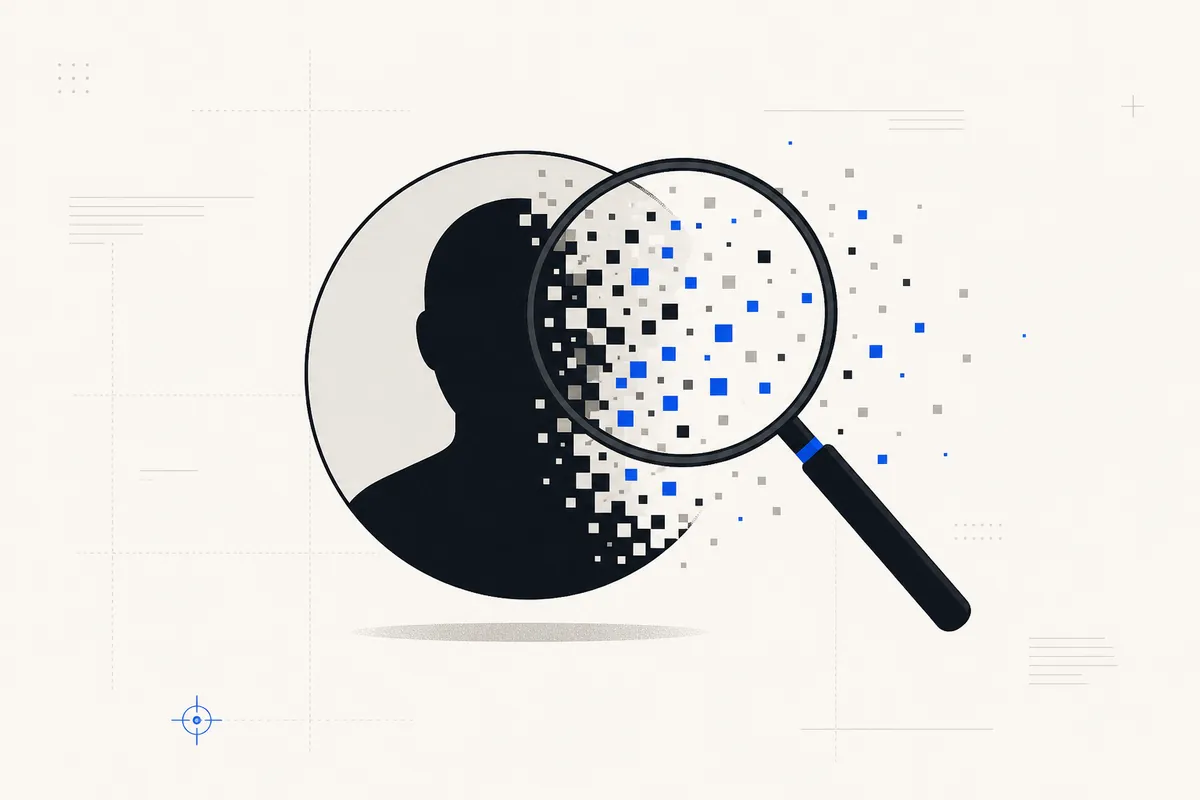
What are the two kinds of fake profile pictures?
Not every fake profile photo is made the same way, and the two types fail different tests.
Stolen photos: the classic catfish
The traditional catfish steals a real person's photos, often a model, an influencer or a stranger abroad. These images have a history. The same face appears on other accounts, stock sites or news articles. A reverse image search usually surfaces the original, so this type is the easier one to expose.
AI generated faces: the catfish you cannot reverse-search
The newer threat is a face that was never photographed. There is no original, no model, no stock listing, so a reverse image search returns nothing. That empty result is exactly why scammers and bot networks use them. Each account gets a unique, untraceable face on demand. You need a different approach: read the artifacts in the image, then confirm with a detector.
| Stolen real photo | AI generated face | |
|---|---|---|
| Reverse image search | Usually finds the real owner | Returns nothing |
| Visual artifacts | None, it is a real photo | Eye alignment, background warp, accessory mismatch, hair melt |
| Metadata | Often stripped by the platform | Stripped on upload; original file may name the generator |
| AI image detector | Low AI score | High AI score; the source check names the generator if the original file is available |
| Best test | Reverse image search | Live video call plus a detector scan |
How can you tell if a profile picture is AI generated?
Eight signs give away AI generated profile pictures. One honesty note first: the strongest tells, especially eye alignment, come from older GAN-era faces. Diffusion-era fakes are more varied and harder to catch by eye, which is why the detector step matters more every year.
Identical eye alignment
Faces from the same GAN generator place the eyes at almost the same height and spacing in every image. Line up several suspect photos and the pupils sit on one line. Real photos vary with framing and pose.
Background soup
AI backgrounds smear into abstract blobs. Door frames, railings and bookshelves bend or dissolve.
Mismatched or melted accessories
Earrings that differ between ears, a single earring, glasses frames that fuse into the temple.
Hair dissolving into skin
Stray strands melt into the forehead or background instead of ending as individual hairs.
Asymmetric collars and clothing
Collars, zippers and necklines that differ side to side, because the model renders each side semi-independently.
Single-photo profiles
A real person accumulates photos over time. One polished headshot with no candid shots anywhere is a context flag.
Odd teeth and ears
Too many teeth, fused teeth, blurred or asymmetric ears. Small regions get less of the model's attention.
Studio finish on a casual account
A flawless, evenly lit, poreless headshot on an otherwise ordinary account deserves a second look.
No single sign is proof. Two or three together, or one clear sign plus a detector flag, is when to be suspicious. For the face-specific tells by generator era, see AI generated faces.
What are the red flags on each platform?
Dating apps: catfish and romance scam patterns
On Tinder, Hinge and Bumble the pattern is fast and emotional: one stunning photo, rapid escalation of affection, an early push to move to WhatsApp or Telegram, and excuse after excuse for why a video call will not work. These behaviours are the front end of AI romance scams. The FTC reported consumers lost $12.5 billion to fraud in 2024, with imposter scams among the top categories (FTC press release, March 2025). If money or crypto enters the conversation, stop.
LinkedIn: fake recruiters and connection farms
On LinkedIn the fakes wear a generic professional headshot, a thin work history and a new account, and send pushy messages about a job, a crypto opportunity or a vague partnership. This is documented. In 2022, Stanford Internet Observatory researchers Renee DiResta and Josh Goldstein identified more than 1,000 LinkedIn profiles using apparent AI generated faces, and LinkedIn removed the ones that broke its policies (NPR, 27 March 2022). DiResta first spotted hers from a single earring and the centred eyes.
Social media: bot networks and sockpuppets
On X, Facebook and Instagram, AI faces power coordinated networks. Watch for families of faces that look subtly related, accounts that post in lockstep, and thousands of follows with almost no real interaction. One fake face is a person to avoid. A pattern of them is a network.
How do you verify a profile picture?
With a specific suspicious profile in hand, work through this in order. It moves from free and instant to most conclusive.
Reverse image search
Save the picture and run it through Google Lens or TinEye. A hit on a model, a stock site or another name means a stolen-photo catfish. No hit at all points toward an AI generated face.
Zoom in on the tells
Check eyes, background, earrings and hairline against the eight signs above. Enlarge the image; the artifacts are easiest to see at high zoom.
Ask for live proof
Request a live video call or a photo in a specific pose, such as holding up three fingers. A real person can do this. A fake account stalls, makes excuses or vanishes.
Run it through an AI image detector
Upload the photo to the AI image detector. You get a whole-image verdict and a 0 to 100 score from the pixel model. If you have the original file rather than a platform copy, the source check can also name the generator from its metadata. Profile pictures saved from a platform are usually stripped, so expect none there and rely on the score.
The detector accepts JPG, PNG, WEBP, BMP, TIFF, HEIC and HEIF up to 12 MB, and small thumbnails work as long as they are at least 8 pixels on a side. Free accounts include 50 detections per month, no card required.
What should you do if a profile is fake?
Protect yourself first. Do not confront them; tipping off a scammer only tells them which tells to fix. Cut contact and block. Report the account on the platform, which is how networks get taken down. If money changed hands or was requested, report it to the FTC at reportfraud.ftc.gov and to the FBI at ic3.gov. Warn anyone in your network the account also contacted.
If you were targeted by a romance scam, the loss is not a failing of judgement. These operations are run at industrial scale with scripts built to exploit trust. Our romance scams guide covers recovery steps and support.
FAQ
How can I tell if a profile picture is AI generated?
Check for eyes placed at the exact same position as other suspect faces, a background that warps or dissolves, mismatched earrings or glasses, and hair that melts into skin. Then reverse-search the photo. No result at all is a flag. Confirm with an AI image detector, which reads fingerprints your eyes cannot.
Can reverse image search find AI generated faces?
Usually not. A generated face exists nowhere else online, so Google Lens and TinEye return nothing. That is exactly why scammers prefer them over stolen photos. Treat an empty result on a polished headshot as suspicious rather than reassuring, and move on to the visual tells and a detector scan.
Are fake profile pictures illegal?
Using a fake photo is not illegal on its own. It becomes illegal when it is used for fraud, impersonation of a real person, harassment or deception that causes financial loss, and most platforms ban it under their terms regardless. See deepfake laws by state for the US legal picture.
How common are AI profile photos in scams?
Common enough that platforms publish takedowns. Stanford researchers found more than 1,000 LinkedIn profiles with apparent AI faces in a single 2022 investigation (NPR, March 2022), and Graphika has documented GAN faces in coordinated influence networks since 2019. We do not publish an overall percentage, because no reliable one exists.
Does a detector work on a small profile thumbnail?
Yes, with reduced confidence. The pixel model needs at least 8 pixels on a side and works best on the largest copy you can get, so open the profile photo at full size before saving it. Platform copies carry no metadata, so the generator cannot be named from a thumbnail; the score is the evidence.
Conclusion: verify before you trust any profile
AI generated profile pictures defeat the one check people used to rely on, reverse image search, which is why they spread. The fix is a short workflow: reverse-search to rule out theft, zoom in on the eight tells, ask for live proof, and let an AI image detector settle it. Two minutes of checking is cheaper than months of a romance scam.
Check a profile photo now. Free accounts include 50 detections per month. For the fast general-purpose version, use the 12-point checklist.